The Tap Tap app
In brief
Available on the App Store (iPhone and iPad) and on Google Play (Android). The app is played in portrait orientation, in Follow or Memorize mode, on a grid of 4 to 16 tiles.
Where to download it
| Platform | Store page |
|---|---|
| iPhone and iPad (App Store) | View on the App Store (new tab) |
| Android (Google Play) | View on Google Play (new tab) |
Links checked on October 30, 2026. The app is not available as a desktop version.
What the app does
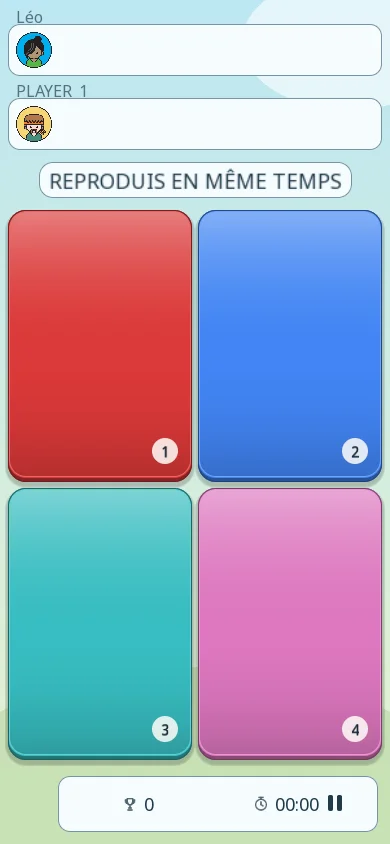
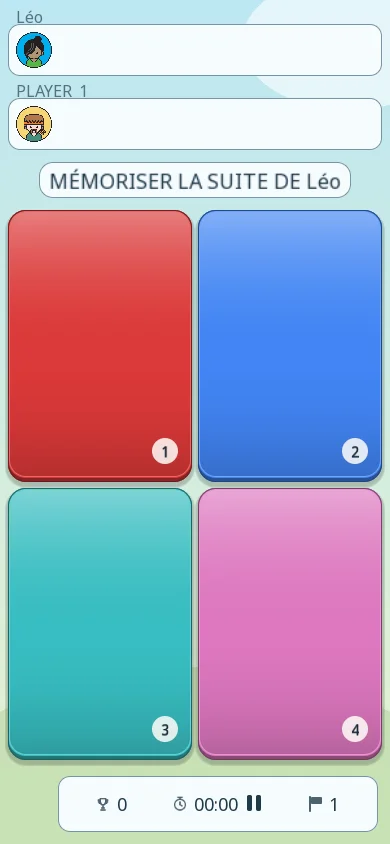
- Two modes: Follow, where you tap the colors in time with the computer, and Memorize, where you replay a sequence from memory.
- A growing grid from 4 to 16 tiles, with up to 16 colors.
- Display: 6 themes (Ciel émaillé, Atelier, Arcade, Papier, Lagune and Velours), each in light and dark; timer shown or hidden; 39 languages to choose from.
- Settings: sound, vibration, and "Light-up taps", which lights up the tile shown by the computer.
- Statistics and a leaderboard for each mode, based on the last 50 games of at least 500 points.
Phone and tablet
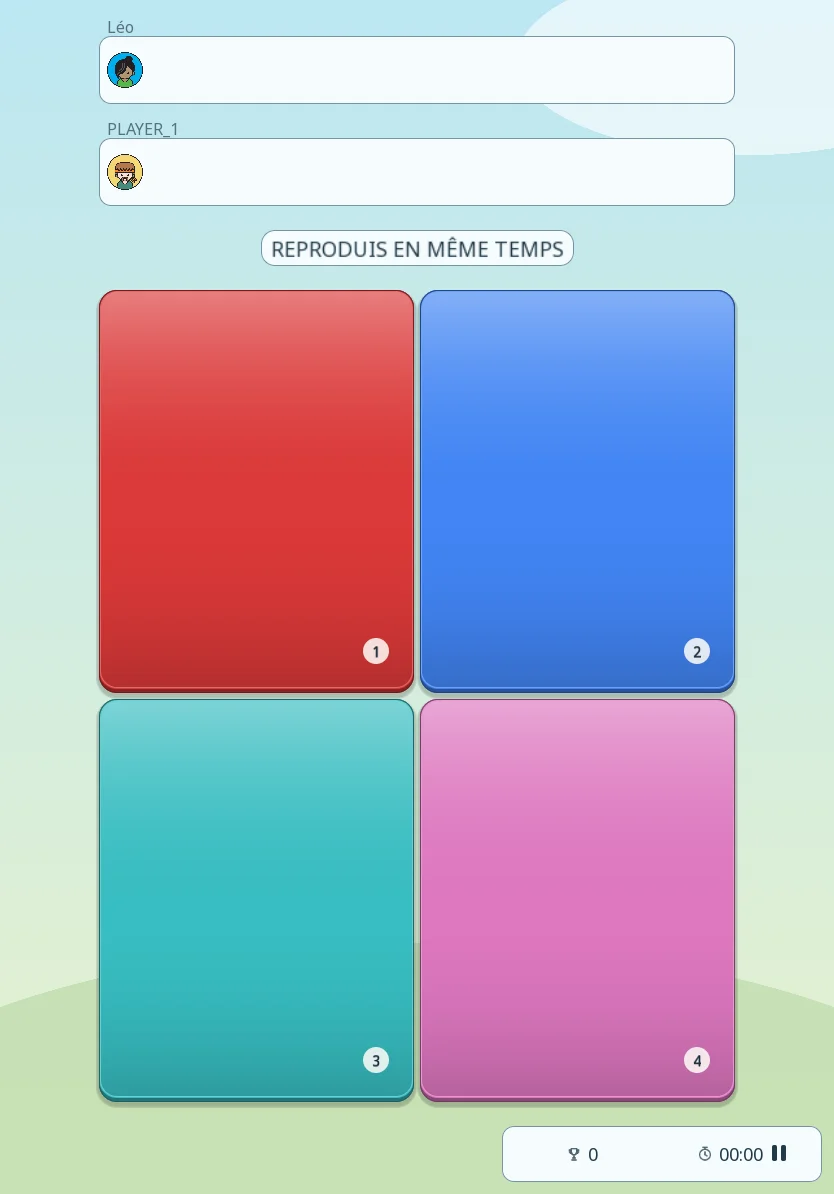
The images below are screenshots of the current app.